
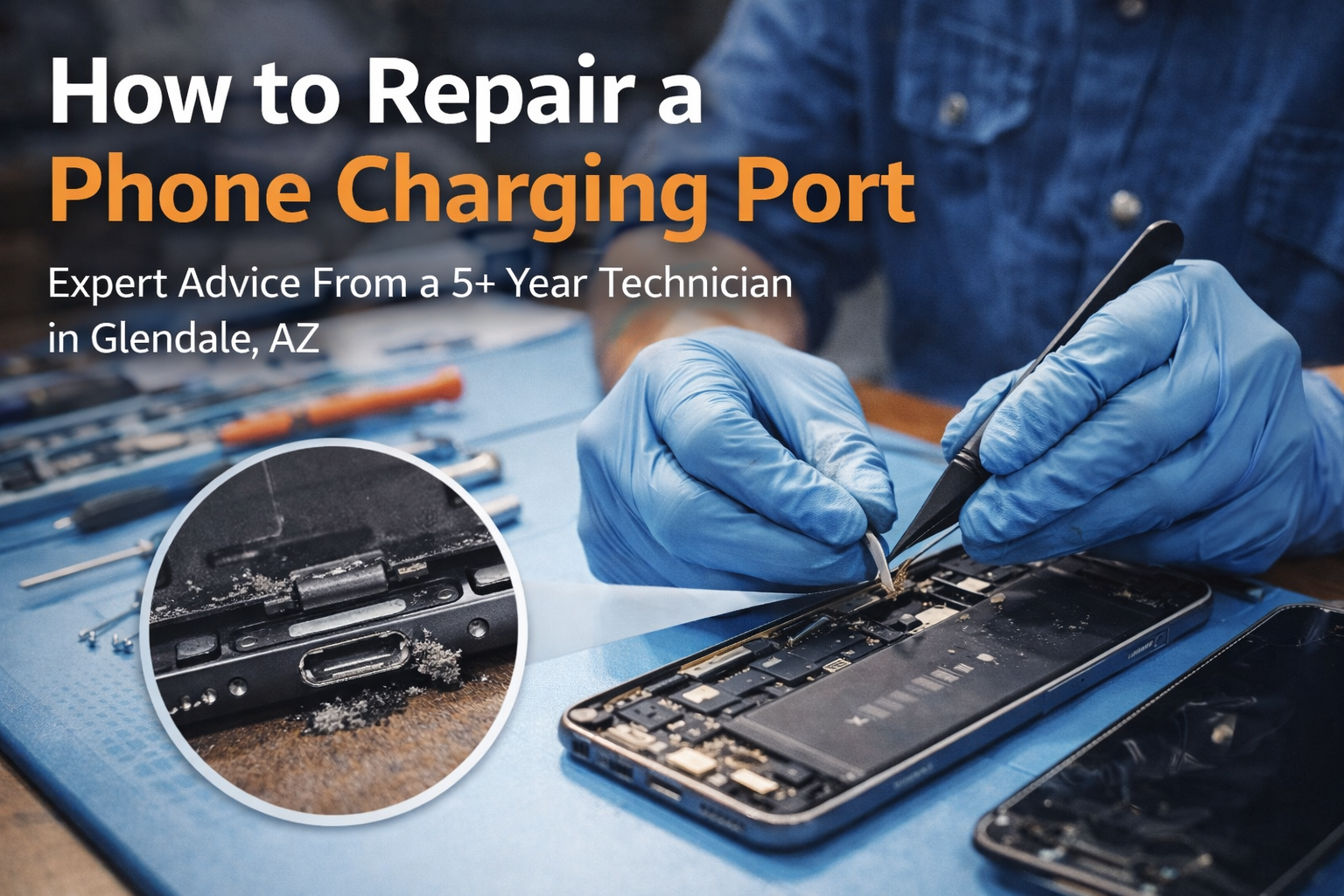
If you’re searching for how to repair a phone charging port, you’re not alone.
After more than five years in phone repair and fixing over 1,000 charging ports, this is one of the most common problems I see — especially with iPhones.
The good news?
Not every charging issue needs an expensive repair.
The bad news?
Many people accidentally turn a simple fix into a permanent failure.
This guide explains what actually causes charging port problems, what can be fixed safely, and when it’s time to stop and see a professional.
The Most Common Reasons Phone Charging Ports Fail
In my experience, charging ports usually fail for three main reasons:
Dust and Debris Buildup
This is the number one cause, especially for people who work outdoors. Dust slowly packs into the charging port over time. At first, the cable feels loose. Later, the phone only charges if you wiggle the cable.
Eventually, the pins inside the port get damaged.
Electrical Imbalance
Unstable power sources, faulty outlets, or inconsistent electricity can damage the charging port’s internal connections — something I see often with sensitive devices like iPhones.
Cheap or Low-Quality Charging Cables
Cheap cables are one of the fastest ways to destroy a charging port. They cause overheating, loose connections, and internal wear. Many customers don’t realize the cable — not the phone — caused the damage.
Why iPhones Have More Charging Port Issues
Most charging port repairs I do are on iPhones. iPhone charging ports are more sensitive than many Android devices, and the internal connectors can break easily.
Dust also gets trapped more easily in iPhone ports, making them especially vulnerable over time.
Common DIY Mistakes That Permanently Damage Charging Ports
This is where many people get into trouble.
The most common mistakes I see are:
- Using metal objects to clean the port
- Digging inside the port too aggressively
- Pouring alcohol or water into the charging port
When metal touches the pins inside the port, it can cause a short circuit, permanently damaging the port. Digging inside often bends or breaks the internal connectors.
Alcohol and liquid may seem harmless, but they often corrode the port or damage internal components.
Once this happens, cleaning is no longer an option — the port must be replaced.
Can a Charging Port Be Repaired or Does It Need Replacement?
Here’s how I decide:
- If the phone charges only when you wiggle the cable, there’s a good chance cleaning will fix it.
- If the phone does not charge at all, the port likely needs replacement.
- Sometimes it’s 50/50, which is why proper diagnosis matters.
The first thing I do is plug in the cable and feel how it sits. Then I carefully clean the port. If cleaning restores proper charging, no replacement is needed.
A Real Charging Port Repair Case From My Shop
One of my customers, Diago, works outside and came in because his phone wouldn’t charge properly. He hadn’t cleaned the charging port in a long time.
After inspection, I found the port was packed with dust and debris. I cleaned it thoroughly, tested the connection, and the phone started charging perfectly again — no parts needed.
What looked like a serious issue was solved in minutes.
How Long Does Charging Port Repair Take?
- Cleaning: Free diagnostic, about 5–10 minutes
- Charging port replacement: Around 40 minutes to 1 hour, depending on the phone model
Pricing depends on the device, because different phones require different disassembly and parts.
My Honest Advice Before You Try to Fix It Yourself
If your phone isn’t charging properly:
- Do not dig inside the port
- Do not use metal tools
- Do not pour liquid into the port
If cleaning isn’t done correctly, a small problem can turn into a full charging port replacement.
When in doubt, bring it to an expert. Professional diagnosis can save you money, time, and frustration and repair a phone charging port
Final Thoughts
Charging port problems are common, but they’re not always serious. With the right approach, many ports can be restored without replacement. However, one wrong move can permanently damage the port.
After fixing thousands of phones, I can confidently say this:
Knowing when to stop DIY and get professional help makes all the difference.